



Lenovo Chromebook 2-in-1 Review: Worth It for School and Everyday Work?
What usually sends me looking at a Chromebook like this is not some grand plan to “upgrade my setup.” It’s the much more ordinary problem of wanting a laptop that boots quickly, survives being tossed in a backpack, and doesn’t turn basic tasks into a patience test.
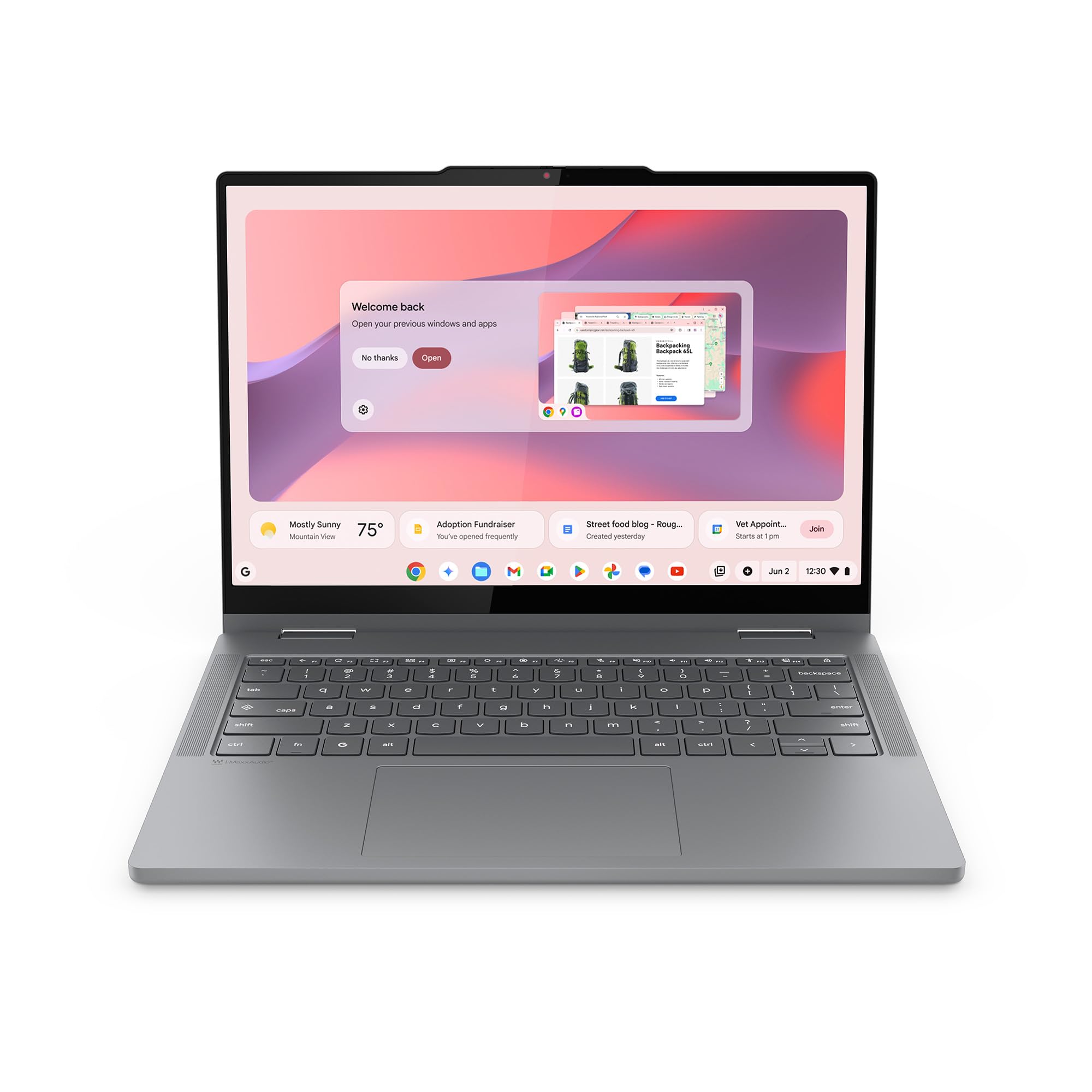
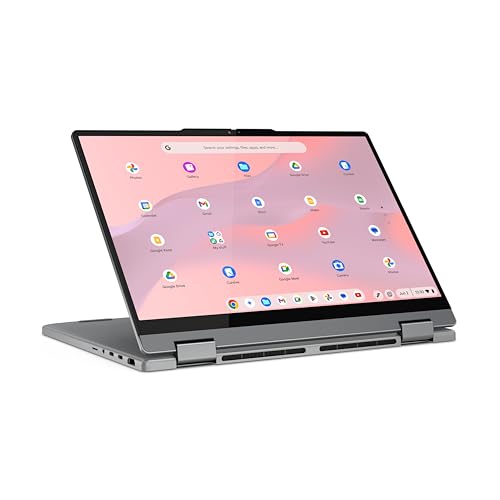
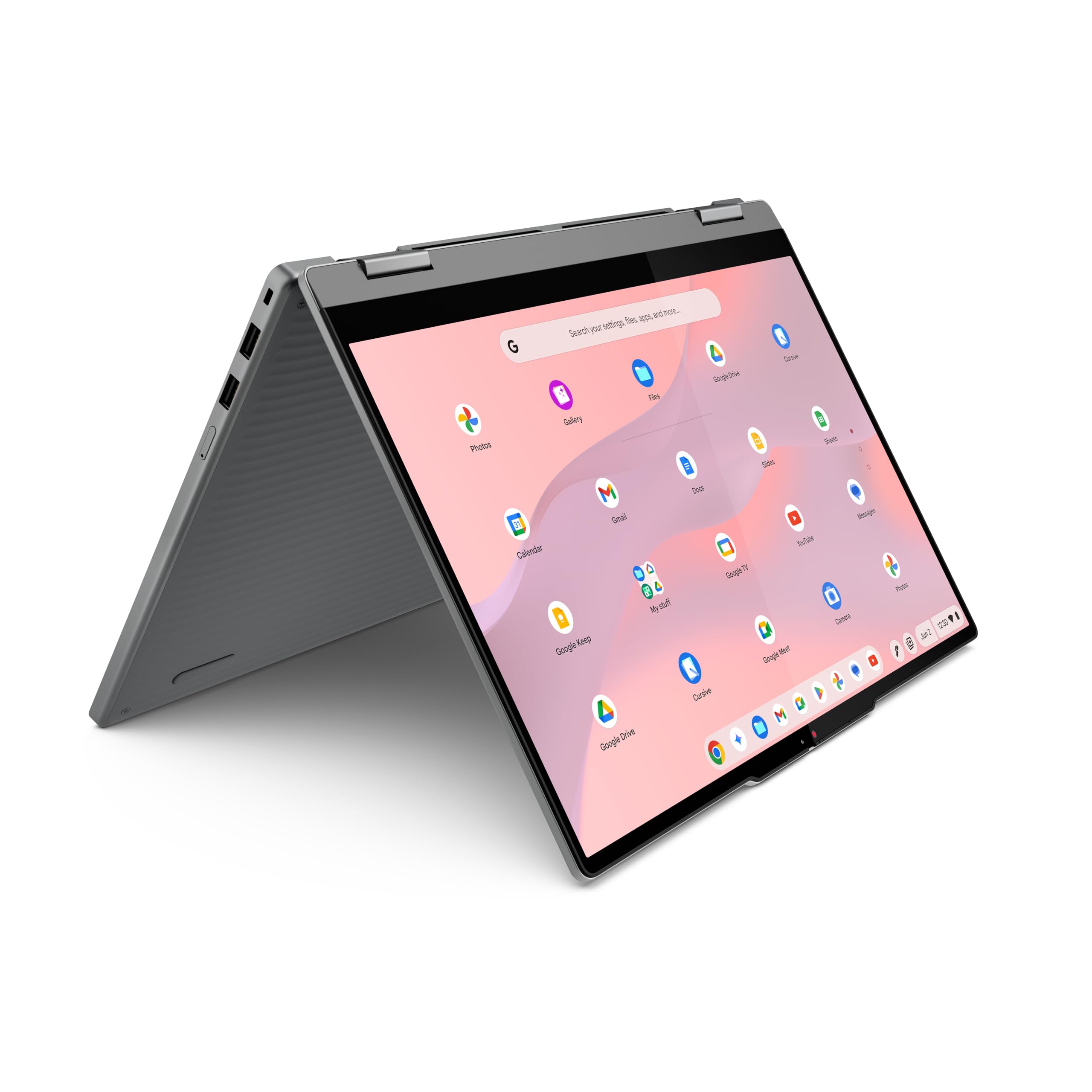
That’s the lane this Lenovo Chromebook 2-in-1 is clearly trying to own. On paper, it has a lot going for it: a 14-inch WUXGA touch display, a flexible 2-in-1 hinge, ChromeOS simplicity, 128GB of UFS storage, and enough ports that you don’t immediately need a dongle. And honestly, what surprised me most is that Lenovo didn’t treat the screen and design like afterthoughts.
My quick take
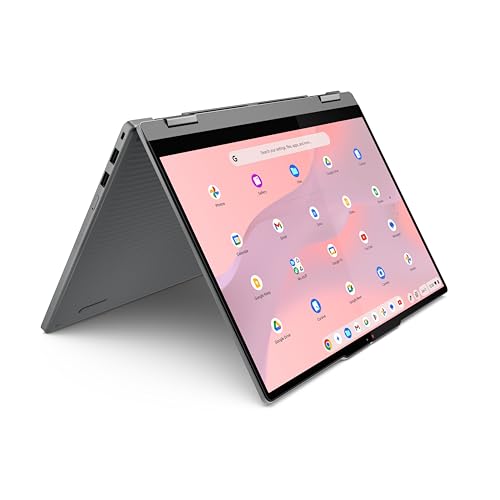
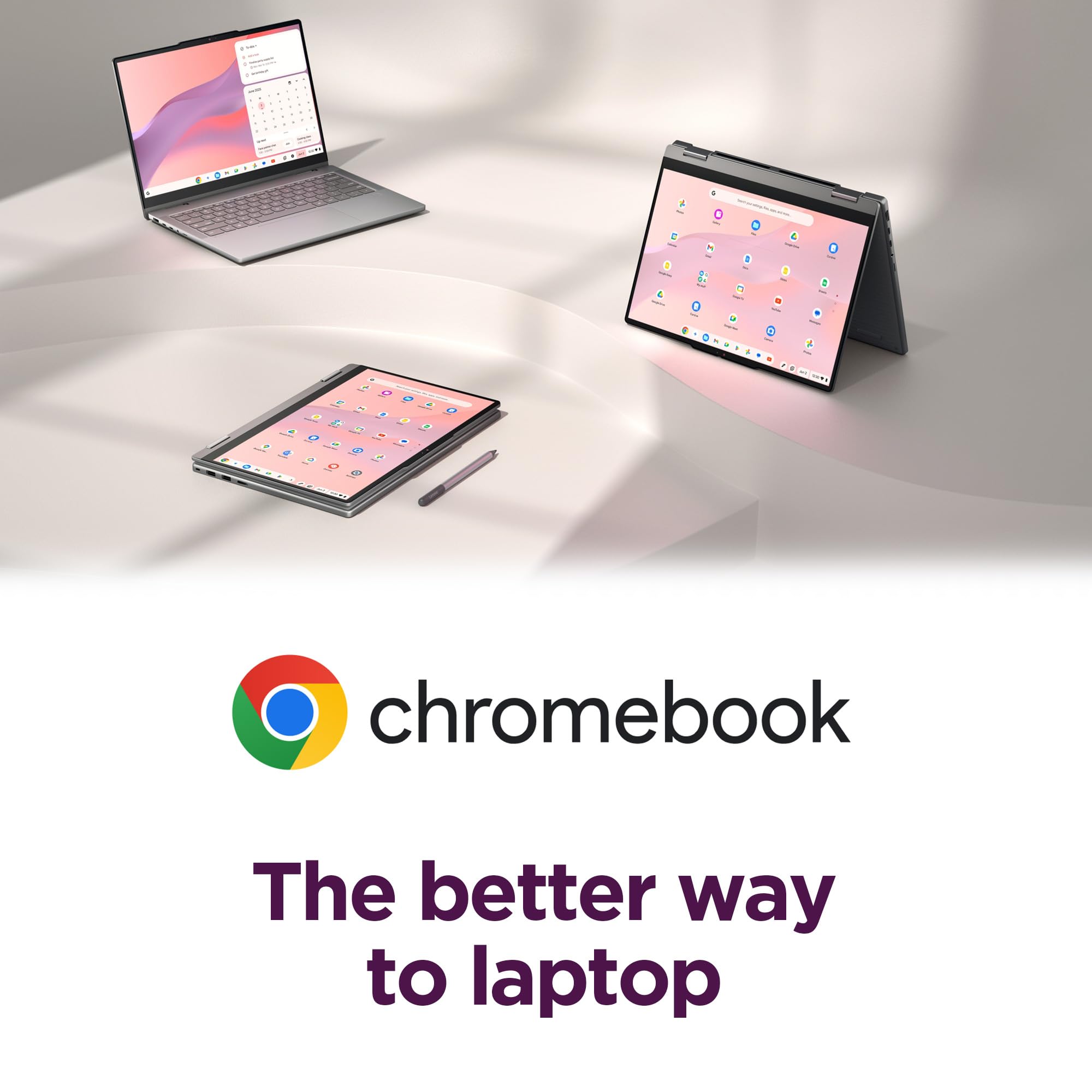
If your day looks like browser tabs, Google Docs, email, Zoom, streaming, and light Android app use, I think this is the kind of Chromebook that makes sense fast. It’s light enough to carry around, the 16:10 display gives you a little more breathing room for schoolwork and web pages, and the tablet/tent modes are more useful than I expected for kitchen counters, planes, and couch use.
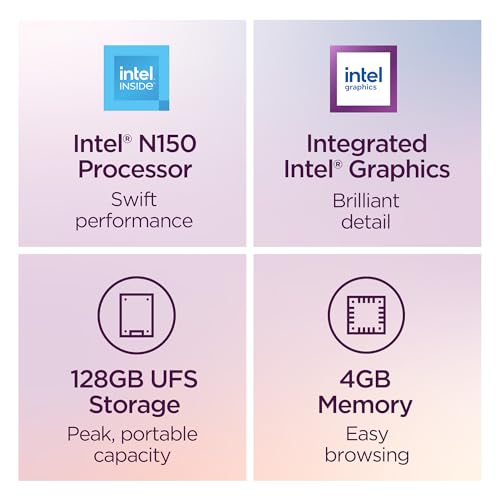
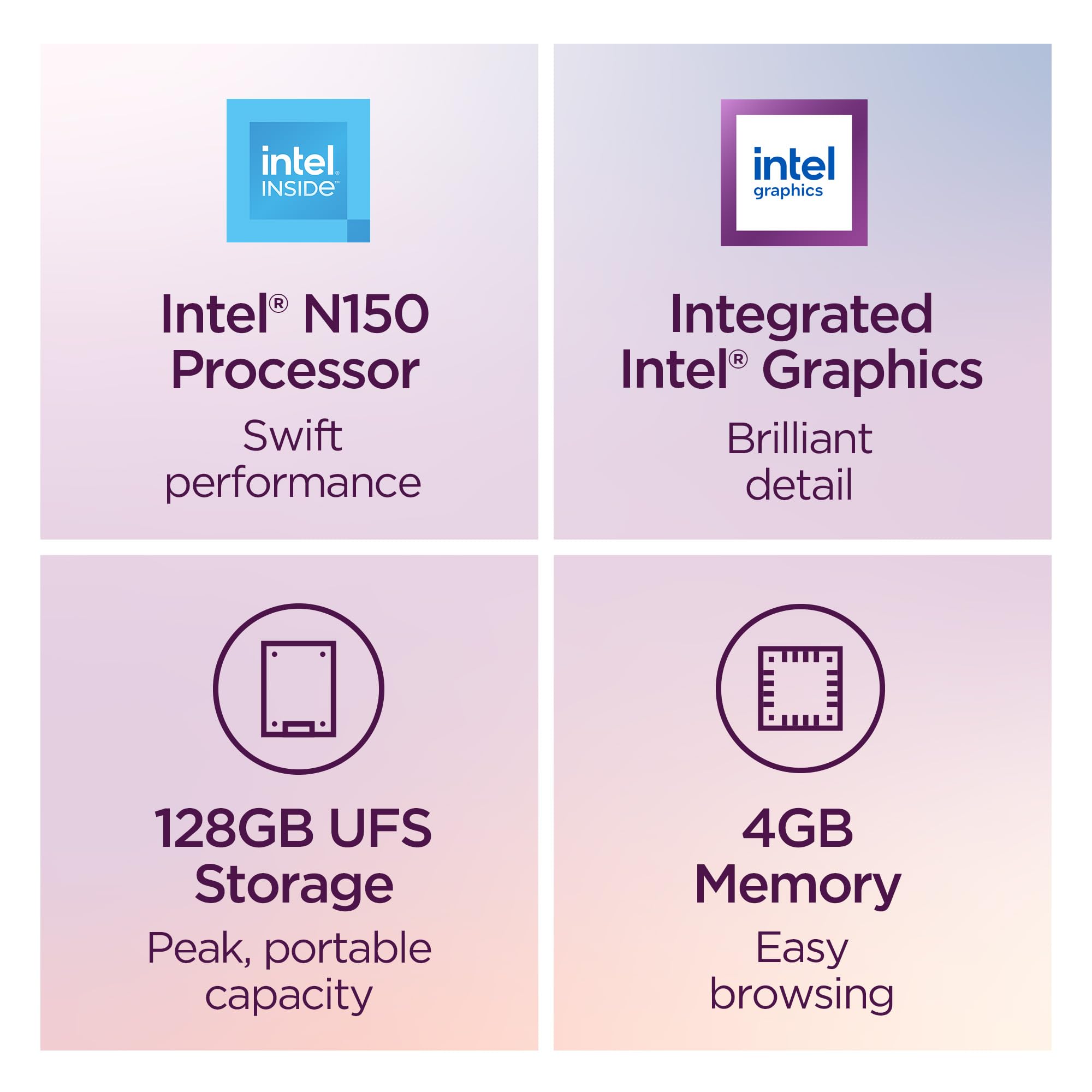
But I’d tell anyone considering it not to get hypnotized by the “2-in-1” label and forget the memory limits. 4GB of RAM is the part I’d watch most closely. This is a machine for focused, everyday use, not for the person who lives with 30 tabs open, a Linux environment running, and three Android apps fighting in the background.
What stands out right away
The screen shape is better than the usual cheap laptop layout
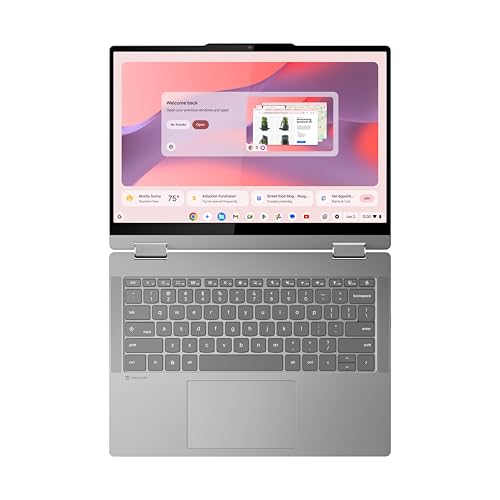
A 14-inch 1920 x 1200 display in a 16:10 ratio is one of those specs that sounds minor until you spend a morning using it. You see more of a document, more of a webpage, and less of that cramped feeling budget laptops often have.
For students and anyone working mostly in the browser, that extra vertical space matters more than flashy benchmark numbers. I’d take a sensible 16:10 panel over a wider but shorter bargain-bin display almost every time.
The 2-in-1 design is actually useful
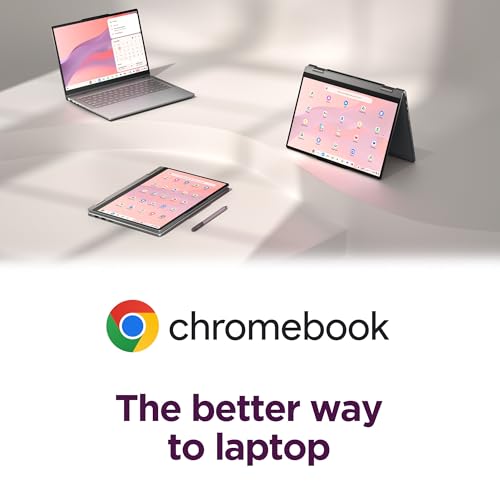
A lot of convertibles look better in product photos than they feel in daily use. This one at least makes practical sense. Tent mode is handy for watching a recipe video in the kitchen or streaming in a small space. Tablet mode works best for reading, light tapping around apps, and casual browsing rather than replacing an iPad, but it’s still nice to have.
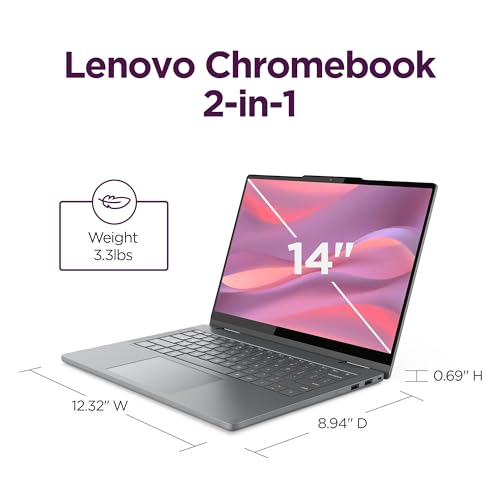
I also like that Lenovo kept the chassis relatively thin and portable. At around 3.3 pounds and 0.69 inches thick per the listing, it lands in that sweet spot where carrying it around campus or the house doesn’t feel like a commitment.
The port selection is refreshingly normal
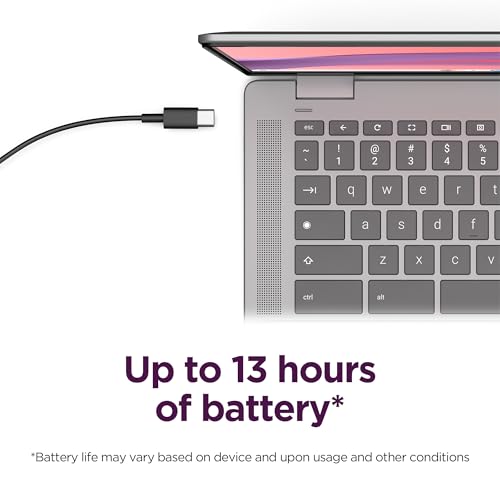
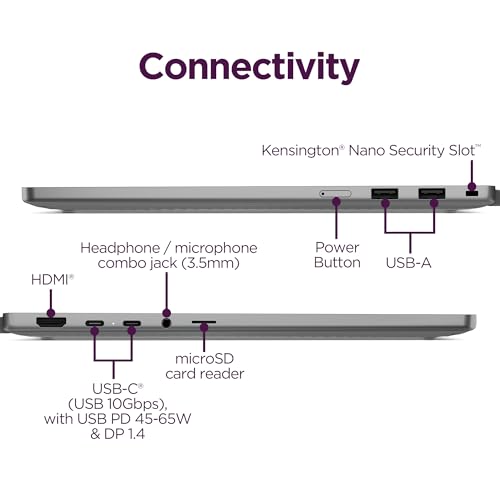
This is one of those details I appreciate more every year. Two USB-C ports, two USB-A ports, HDMI, a headphone jack, and a microSD slot is a far more useful mix than the minimalist “just bring adapters” approach.
If you’re plugging into an external monitor at a desk, using a mouse, or moving files the old-fashioned way, that setup saves friction.
Where I think it will feel good in real life
This strikes me as a very solid fit for:
- students living in Google Docs, Slides, Gmail, and browser research
- parents who want a family laptop that feels simple instead of fragile and fussy
- anyone replacing an aging budget Windows machine that has become slow and annoying
- people who mostly stream, browse, email, video call, and do light productivity work
I can easily picture this being the laptop that saves you ten minutes every morning simply because it wakes fast, signs in cleanly, and gets out of your way.
Where it falls short
This is the part every honest review needs, because no laptop is for everyone.
4GB RAM is the limiting factor
This is my biggest hesitation. ChromeOS is lighter than Windows, yes, but modern browser habits are not light. A handful of tabs is fine. A normal student workload is probably fine. But once you start stacking heavy websites, video calls, Android apps, and multitasking, 4GB becomes the spec that decides how patient you need to be.
If you know you’re the kind of person who opens everything and closes nothing, I would not pretend this won’t matter.
The processor naming in the listing is messy
The listing copy mentions an “Intel Core processor,” but the actual product details point to an Intel N150. That matters because shoppers may assume they’re getting a more powerful class of chip than they really are. The N150 should be enough for routine Chromebook jobs, but I would set expectations around smooth basics, not demanding workloads.
Tablet mode is a bonus, not the main event
I like convertibles, but a 14-inch laptop is still a 14-inch laptop. In tablet mode, this will be better for occasional reading, tapping through apps, or signing forms than for long handheld sessions. If your main goal is tablet-first use, a smaller detachable device probably makes more sense.
What other buyers seem to like
The Amazon listing you shared shows a 4.8 out of 5 rating from 20 reviews, which is a strong early signal even if it’s still a small sample. The recurring reasons people tend to rate Chromebooks like this well are usually the same things I see here too: easy setup, fast startup, simple day-to-day use, and a design that feels more flexible than a standard clamshell.
That said, I always treat a small review count carefully. A new product can look nearly flawless before a broader mix of buyers puts it through a school semester, travel, and long-term everyday use.
Is the Gemini angle a real selling point?
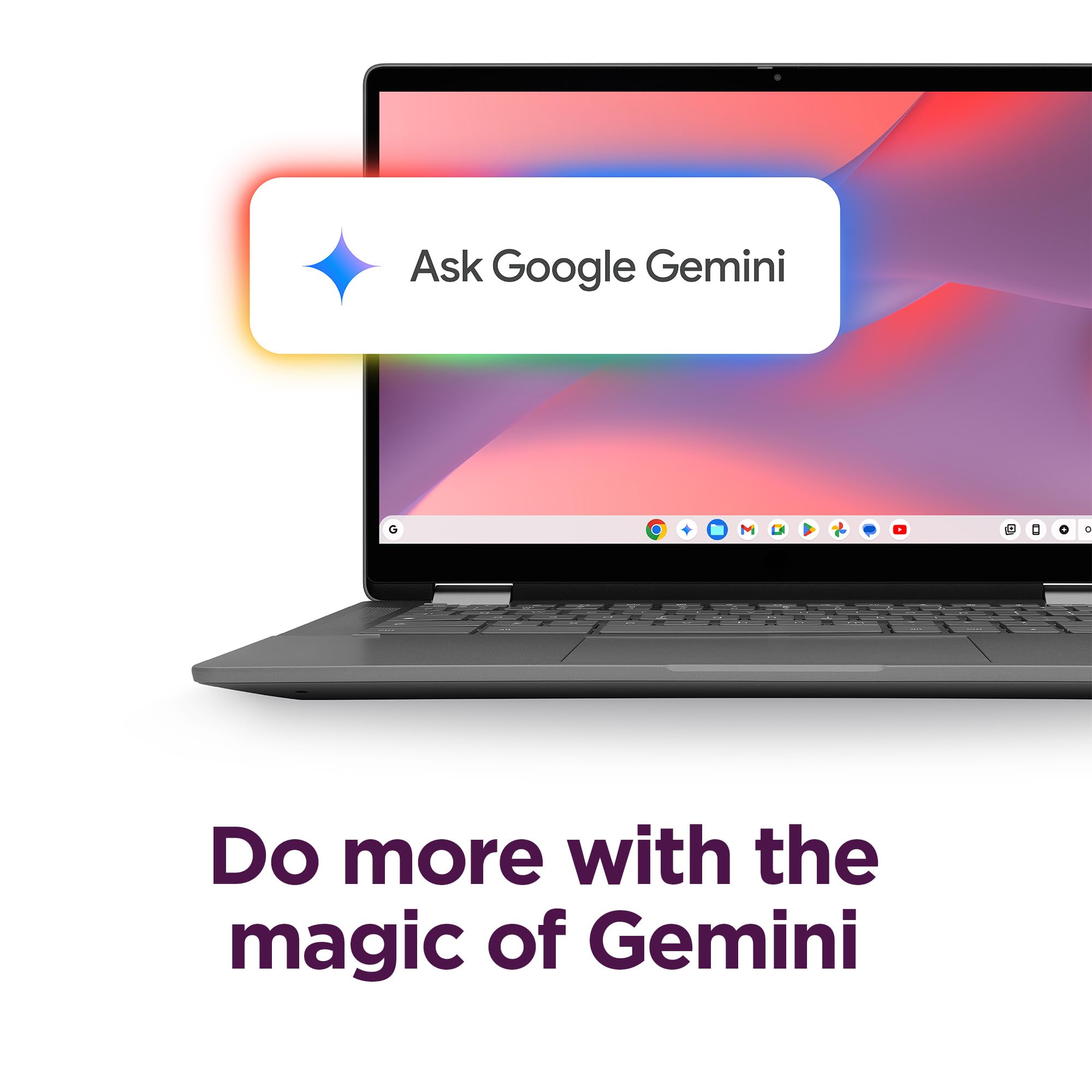
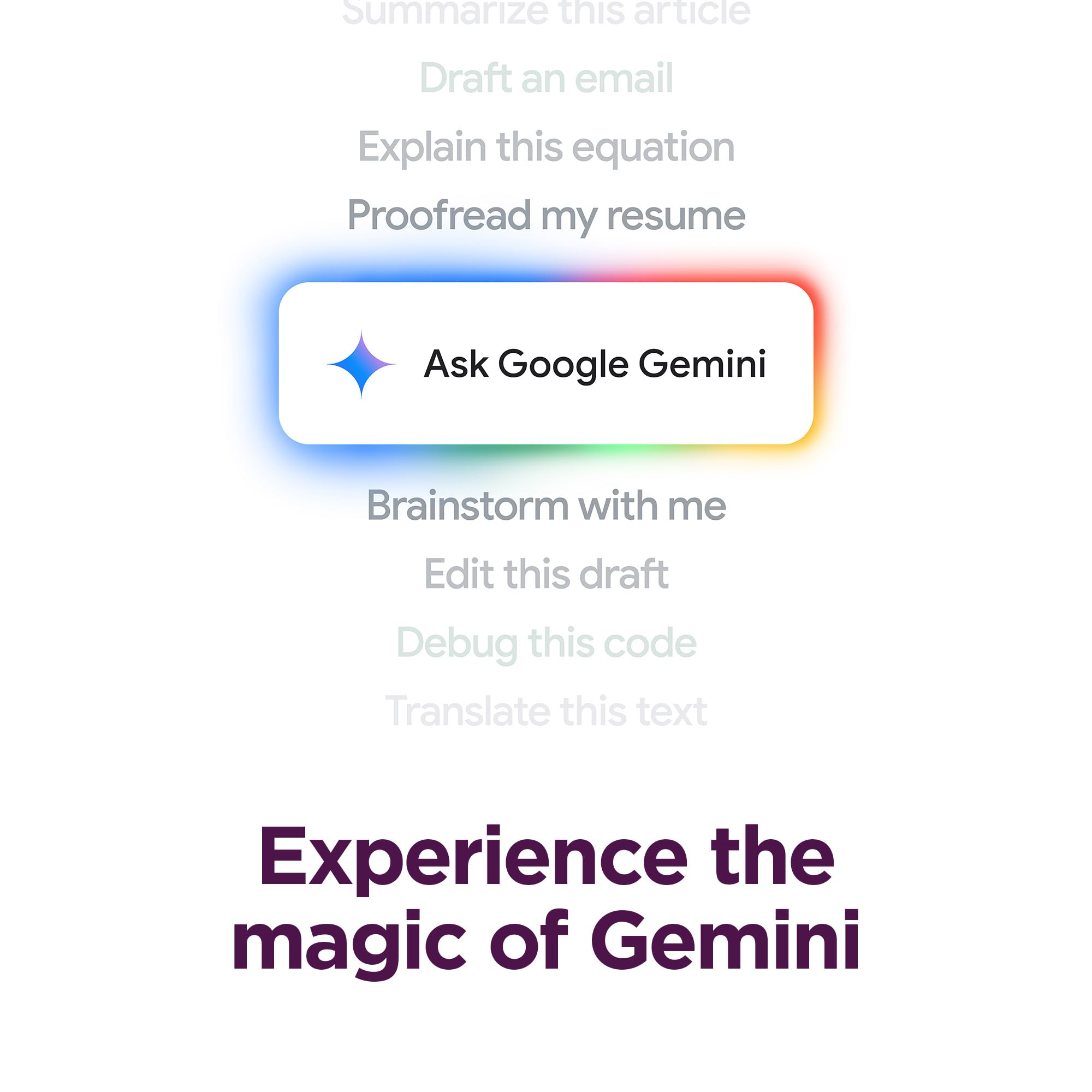
I’d treat the built-in Google Gemini piece as a convenience, not the reason to buy the laptop.
If you already use Google services and like having quick help for writing, summarizing, brainstorming, or planning, it’s a nice fit with Chromebook life. But AI extras age fast, and they’re rarely the thing that determines whether a laptop is still pleasant six months later. The fundamentals matter more: screen, keyboard, portability, battery life, and whether the machine stays responsive.
Who should buy it
I’d recommend this Lenovo Chromebook 2-in-1 if you want:
- a straightforward school or family laptop
- a roomy 14-inch screen without jumping to a bulky machine
- the flexibility of tent and tablet modes
- useful ports without carrying adapters
- ChromeOS simplicity over Windows maintenance
Who should skip it
I’d look elsewhere if you want:
- heavier multitasking headroom
- lots of local creative software
- gaming beyond very casual use
- a truly comfortable tablet-first device
- future-proof RAM for several years of increasingly heavy browser use
Final verdict
I think this Lenovo Chromebook 2-in-1 is most appealing when you judge it by the life it’s meant for, not by what a more expensive laptop can do. For schoolwork, web-based productivity, streaming, and everyday carry, it checks a lot of boxes that matter more than raw power: good screen shape, flexible design, practical ports, easy ChromeOS setup, and a travel-friendly build.
Its weakness is also easy to name: 4GB of RAM puts a firm boundary around who this is for. If your workload is modest and browser-based, that may be a perfectly fair trade. If you tend to push your laptops hard, you’ll outgrow it faster than you’d like.
For the right person, though, I can absolutely see this being the kind of laptop that quietly makes daily life easier.